


Hugging Face Is the GitHub for AI: Here’s Why and How to Use It
If you write software, you have likely heard Hugging Face described as the GitHub for AI. The analogy works because the Hub treats models and datasets the same way GitHub treats code: versioned, documented, and easy to share.
Hugging Face gives teams a structured way to explore AI, evaluate options, and ship with confidence.
Why the analogy makes sense
Hugging Face follows the same rules software engineers already trust.
* Repos are versioned, so you pin exact commits for reproducible results.
* Community signals such as likes, downloads, and leaderboards help filter quality.
* You fine tune a model the same way you fork a codebase.
* Every model and dataset ships with a card that acts as a built-in README.

The three things you will use most
Models
Pretrained networks for text, vision, audio, or multimodal tasks. Swap models with a small code change and pin revisions to keep behavior stable.
Datasets
Curated collections with previews, stats, and schemas. Stream samples to inspect the data before downloading anything large.
Spaces
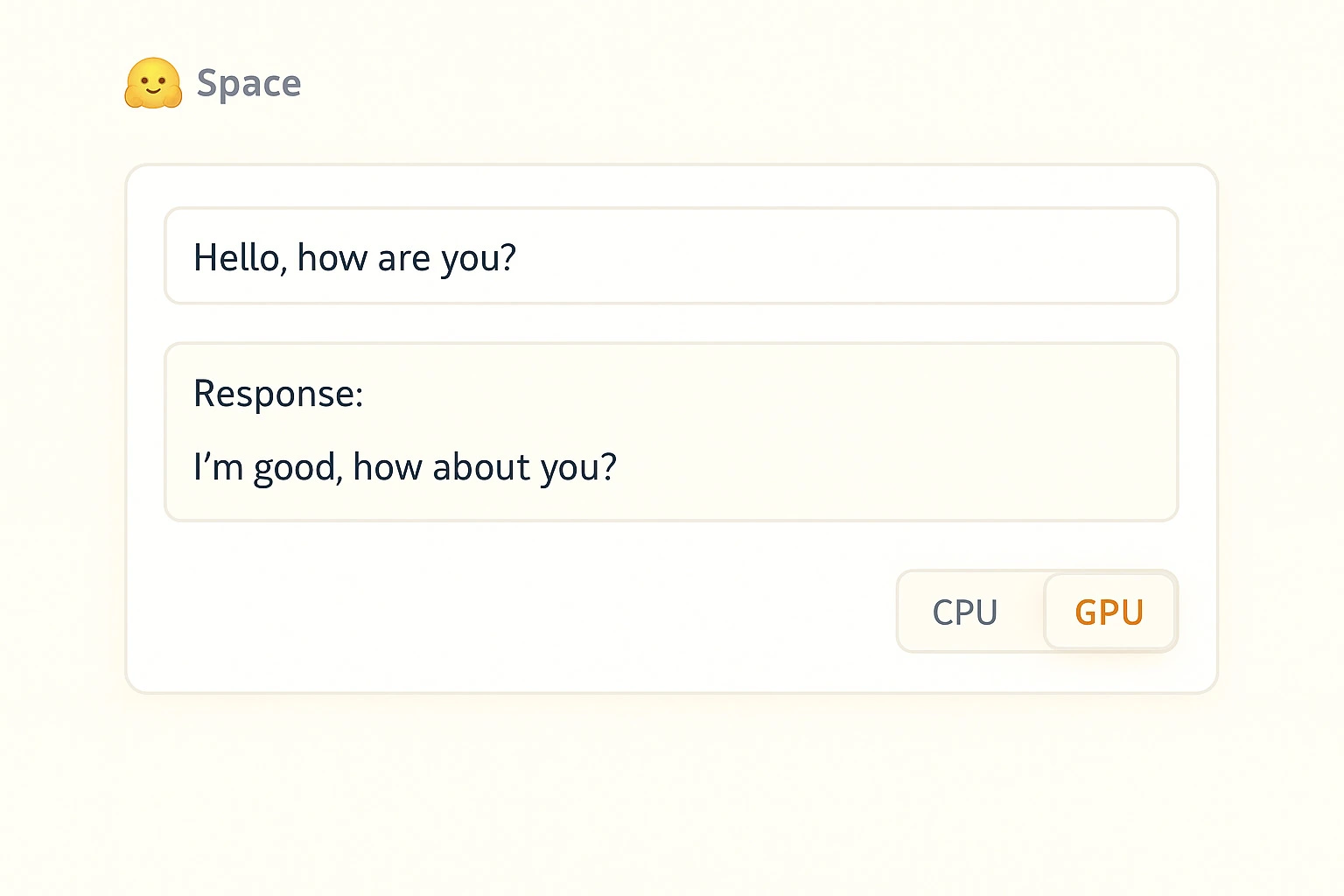
Small web apps built with Gradio or Streamlit. They let you share a live demo with a single link and gather feedback early.
If you are not an AI specialist, start here
1) Try models in your browser
Open a model page, click “Open In Spaces,” and test it with a few real inputs. This gives you instant intuition for speed and quality.
2) Run a quick pipeline in Python
from transformers import pipeline
classifier = pipeline("sentiment-analysis")
print(classifier("I love shipping features with open-source AI!"))
3) Call a hosted model with an HTTP request
Good for small prototypes or internal tools.
Note: Serverless endpoints cold start, so test more than once.
A simple way to adopt Hugging Face in real projects
1. Write three to five sample inputs that reflect your actual workload.
2. Test a few candidate models in Spaces and note speed and clarity.
3. Pin a revision or commit hash so behavior stays consistent.
4. Share a quick Space-based demo with your team.
5. Evaluate whether you need domain-specific data.
6. Pick the runtime: serverless for trials, dedicated endpoints for production, local for privacy.
7. Measure latency, quality, and cost, then refine.

Agents in plain English
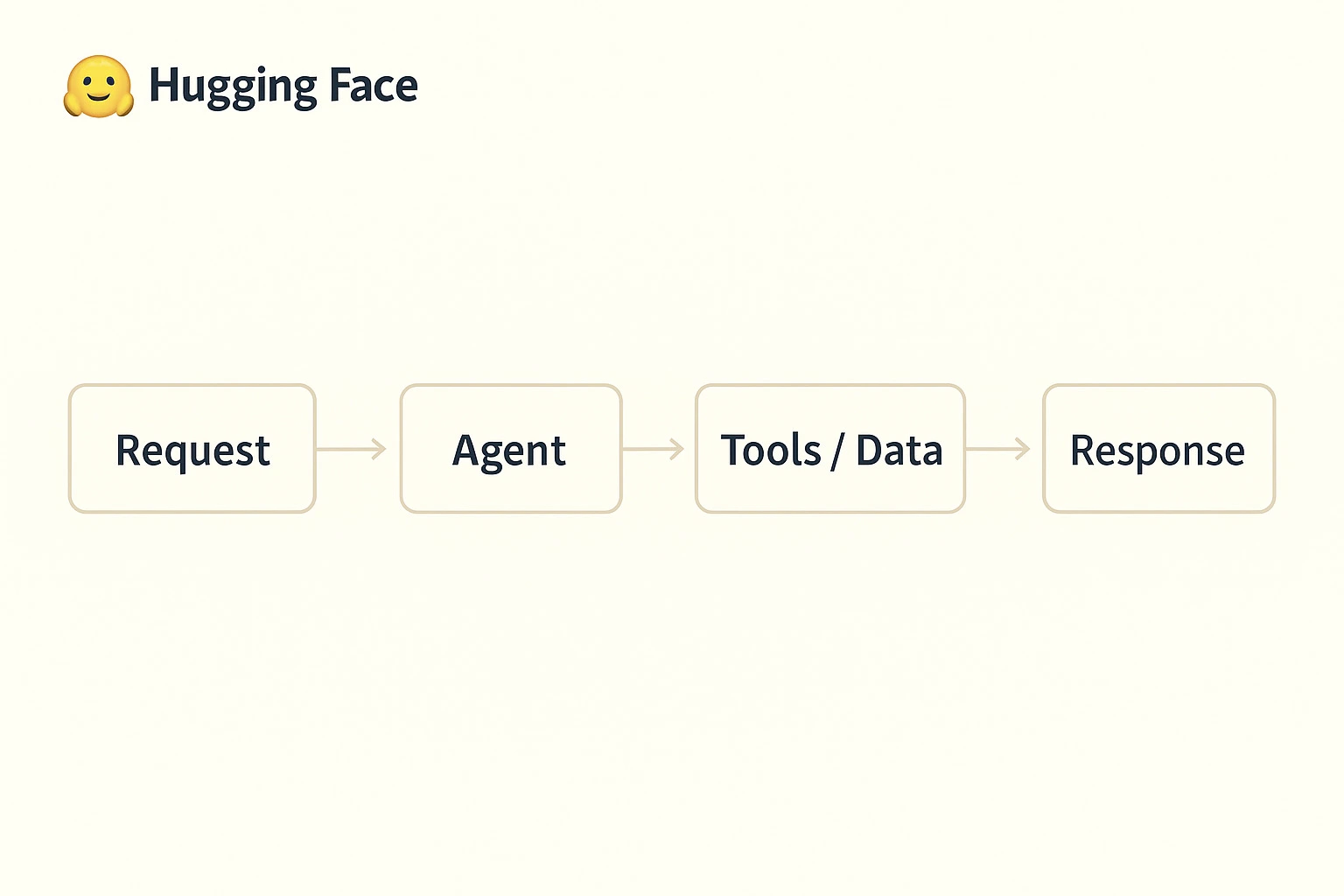
Sometimes you want software to complete a task, not only return text. That is where agents help. They plan steps, call tools, observe results, and adjust until they finish.
Example: Call two weather APIs and summarize the difference.
Loop: Think → Plan → Act → Observe → Repeat → Answer.
Smolagents: A lightweight option where models write small Python snippets to call your functions.
MCP: A protocol that lets agents access databases, files, and services in a consistent way.
The agent sits between your application and your model, coordinating the steps needed to answer a request.
Where your model should run
Option: Serverless Inference API
Best for: Trials and demos
Privacy: Shared infra
Cost: Per request
Setup: Minimal
Option: Dedicated Endpoints
Best for: Production traffic
Privacy: Private
Cost: Hourly
Setup: Moderate
Option: Local Inference
Best for: Sensitive or offline use
Privacy: Maximum
Cost: Hardware
Setup: Higher
Quick guide:
* Prototype on serverless.
* Use dedicated endpoints for stable latency.
* Run local builds for privacy or edge workflows.
Licensing and compliance in practice
Check the license on every model card before you ship.
* Apache-2.0 models like `bert-base-uncased` work well for commercial use with attribution.
* CreativeML RAIL models like `stabilityai/stable-diffusion-2` include specific allowed and disallowed uses.
If access is gated, request access and record the approval. Fine-tuned models inherit the parent license.
Real use cases you can ship quickly
* Support triage: Classify issues and suggest first replies.
* Sales summaries: Turn long emails or calls into action items.
* Analytics: Extract sentiment and topics from reviews.
* Redaction: Mask PII before sharing documents.
* Code review help: Explain diffs and draft commit messages.
* Transcription: Convert meetings into short summaries.
* Search: Build semantic search for internal docs.
* Localization: Translate product copy across languages.
Why this matters
A support team used Spaces to test models, built a quick serverless pilot, then moved to a dedicated endpoint. First-response time dropped by 18 percent with minimal engineering work.
A 30-minute starter plan
1. Explore a Space related to your workflow.
2. Swap models to compare quality and latency.
3. Recreate the workflow locally with a small pipeline.
4. Publish your own Space so teammates can try it.

Final word
Pick one workflow, test a model in a Space, pin a revision, and share a short demo link. That is the fastest way to see real value from Hugging Face.
Inspire Others – Share Now
Agentic AI Saksham
India’s Only 1st Ever Offline Hands-on program that adds 4 Global Certificates while making you a real engineer who has built their own AI Agents
EV
Saksham
India’s Only 1st Ever Offline Hands-on program that adds 4 Global Certificates while making you a real engineer who has built their own vehicle
Agentic AI LeadCamp
From AI User to AI Agent Builder — Capabl empowers non-coding professionals to ride the AI wave in just 4 days.
Agentic AI MasterCamp
A complete deployment ready program for Developers, Freelancers & Product Managers to be Agentic AI professionals