
The landscape of coding has completely flipped in the last couple of years. It feels like every time you check your feed, there's a new AI tool promising to make you a 10x developer. Honestly, it's exhausting trying to keep up, but you have to, or you feel like you're leaving a superpower on the table.
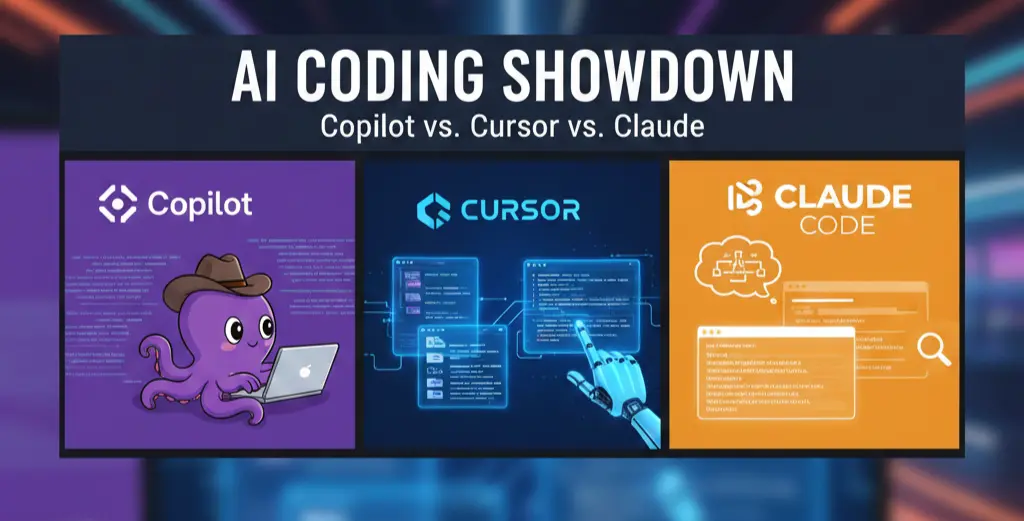
After spending a decent amount of time with the big three in the AI-assisted coding space: GitHub Copilot, Cursor, the AI-first IDE challenger and Claude Code, the reasoning powerhouse. Here's a take, not just a feature comparison, but how each one feels to use in a real, messy codebase.
1. GitHub Copilot: The Seamless Sidekick
Copilot, especially the standard version, is the tool that disrupts your flow the least. It’s like having a hyper-efficient pair programmer constantly looking over your shoulder, finishing your sentences.
- The Vibe: Fast, familiar, and everywhere. It lives as an extension right inside your existing IDE (VS Code, JetBrains, etc.), so there's zero friction in adoption.
- Best At: Inline auto-completion and churning out boilerplate code for common frameworks (React, Python, etc.). You type a function signature or a comment, and boom, the rest of the code is there, ready for a quick
Tab. For simple, repetitive tasks, it's a productivity rocket. - The Catch: It can be a bit of a know-it-all, but only about the immediate vicinity. When I’m working on a huge project with twenty interconnected files, Copilot sometimes struggles to understand the deep architectural context. It's fast, but its suggestions can be "almost right," which means I spend time cleaning up code it generated. Also, their pricing on the new premium tiers can get a little unpredictable with request limits, which is annoying.
2. Cursor: The AI-First Experience
Cursor takes a completely different swing, it’s not an extension, it’s a whole IDE built on top of VS Code, but with the AI baked into its DNA. It feels less like an assistant and more like the central nervous system of your coding session.
- The Vibe: Powerful, context-aware, and an entire new workflow. It asks you to change how you code, but in a good way.
- Best At: Project-wide refactoring and multi-file understanding. When I use its "Composer" or "Agent" mode to, say, "Add JWT token authentication across the entire API," it genuinely looks at all the relevant files and makes cohesive changes. It’s significantly better than Copilot for this kind of complex, high-context task. It also supports a bunch of different models natively, which is super flexible.
- The Catch: The learning curve is a little steeper because it changes your workflow. Since it’s its own application, you might miss a niche VS Code extension you rely on. Plus, for all its power, some users (including me, occasionally) have noticed it can be a little resource-heavy, and its credit-based pricing can feel like you're watching a meter run.

3. Claude Code: The Deep Thinker
Claude Code, powered by Anthropic's excellent models like Claude Opus, is the odd one out. It mostly operates through the terminal (CLI) or a chat interface, rather than being snugly inside your editor. This makes it a beast for certain types of problems.
- The Vibe: Highly intelligent, deeply logical, and a little hands-off. It’s less about auto-completing a line and more about solving a big, hairy problem.
- Best At: Deep debugging, architectural planning, and complex code reviews. Because of the massive context windows on the Claude models, you can paste an entire massive file or a huge bug description, and it returns a very thoughtful, reasoned, and often correct solution with a detailed explanation. If you're a developer who practically lives in the command line, its native terminal integration is mind-blowing, it can actually run commands, tests, and commit changes for you.
- The Catch: Integration is minimal. You're often copying and pasting code snippets, or relying on its terminal commands to edit files, which interrupts the "flow state" Copilot and Cursor aim for. It’s also often usage-based API pricing, which, again, can lead to some surprisingly expensive bills if you're not careful.
The Verdict: Who Should Use What?
The truth is, there isn't one winner. They all excel in different parts of the developer workflow. I genuinely believe that the best setup for a power user is a combination of tools, but here's the quick and dirty guide:
I find myself reaching for Copilot for the quick snippet filling, Cursor for those week-long feature builds that touch 10+ files, and Claude Code when I’ve been stuck on a logic bug for an hour and need a fresh, smart take.
Ultimately, you need to find the tool that complements your existing muscle memory. If you haven't tried all three, I'd strongly suggest it, you might find your new coding superpower.
Also, have a deeper look at the latest LLM comparisons: GPT-5.2 with Gemini 3
Inspire Others – Share Now
Agentic AI Saksham
India’s Only 1st Ever Offline Hands-on program that adds 4 Global Certificates while making you a real engineer who has built their own AI Agents
EV
Saksham
India’s Only 1st Ever Offline Hands-on program that adds 4 Global Certificates while making you a real engineer who has built their own vehicle
Agentic AI LeadCamp
From AI User to AI Agent Builder — Capabl empowers non-coding professionals to ride the AI wave in just 4 days.
Agentic AI MasterCamp
A complete deployment ready program for Developers, Freelancers & Product Managers to be Agentic AI professionals